Get Started
-
Creating a new page in wordpress is easy. To get started, make sure you are logged into the wordpress site and are looking at the dashboard. Once you have done that, click on the 'Pages' menu item in the left navigation menu. This will take you to a list of all your pages.
Pages are typically where your home, about us and contact pages live. Pages is not the area to populate for news items or custom promotions, you will need to select posts for this (posts follow the same format as the below examples on pages) you can find posts above the pages tab on the left hand side.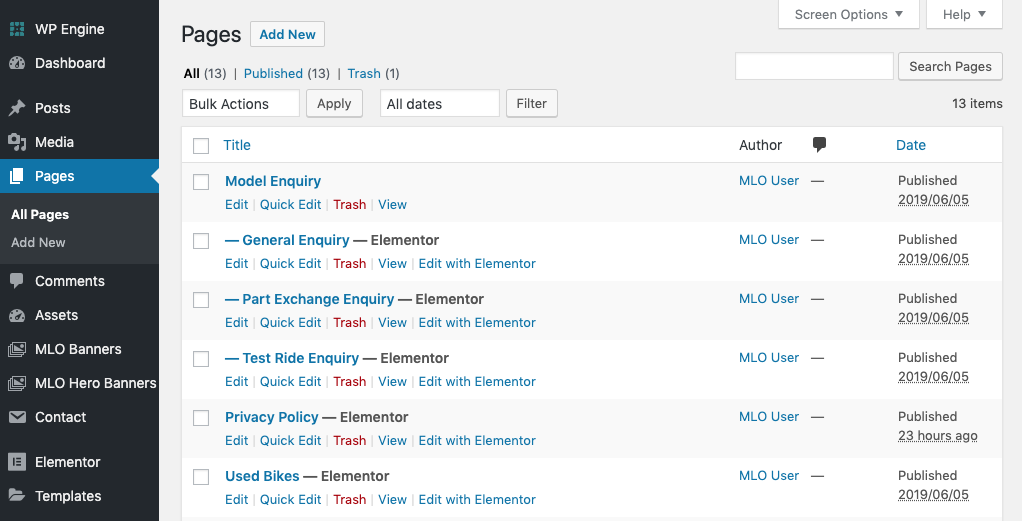
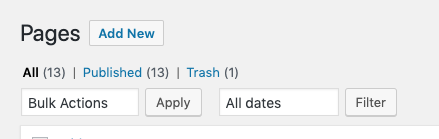
- To create the new page or post, click on the 'Add New' button at the top of the screen
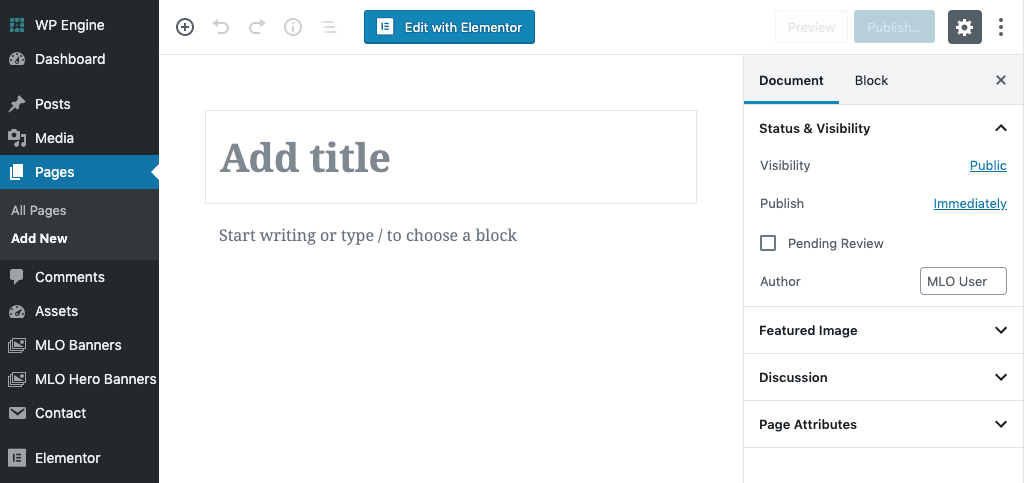
- Now give your page/post a title in the 'Add Title' box. This title will also be used in the URL bar so bear this in mind. If you need them to be different this can be done via permalinks.
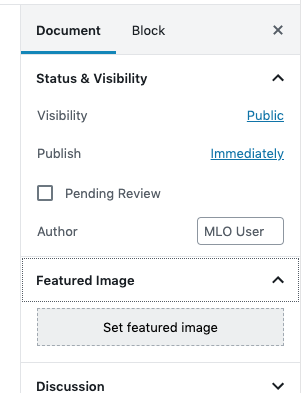
- If you website has header images on its page, these are done via the 'featured image tab' on the right hand side of the screen. Click the tab and then upload your own featured image you wish to display on the page.
- Once you've configured a title and applied an image, it's now time to create the content.
If you are creating a POST, you will have additional options to choose from to determine where/when your posts appear, these choices are under categories and tags. If you need help figuring out how these work, please just ask as they can be customised per website.
Creating Content
To get started on creating your content you need to look out for, and click on the blue 'Edit With Elementor' button, this will then open up the Elementor Page Builder.
This is a well known WordPress page builder so here we've put together some links you may find useful from the Elementor documentation website to assist you with anything you might need.
If you need any further assistance, please contact our support team at support@medialinksonline.com