Adding an item to a navigation menu
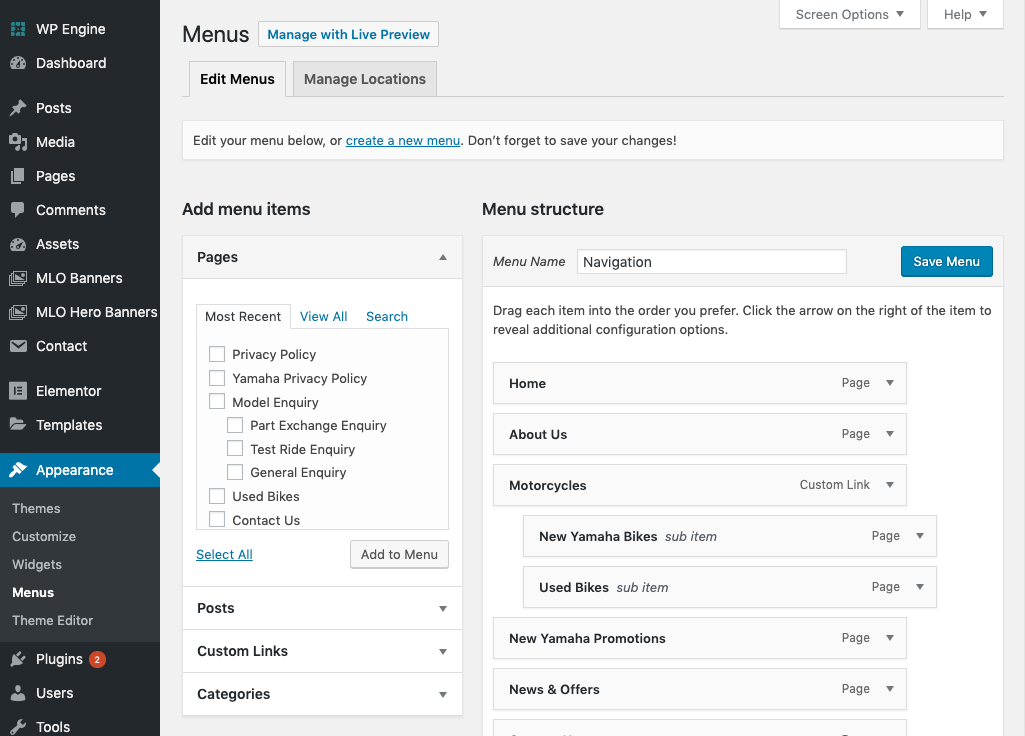
To add a newly created page to your menu (or any other link you'd like to add), go to the main wordpress admin area and then navigate to 'appearance > menus'.
Selecting your navigation menu
Depending on your website, you may have a single menu present here, or multiple menus. If you have multiple, you'll see a dropdown menu where you can choose the menu you want to edit. If you only have one, you'll see it on the page like in the image below.
Adding a new item to the menu
To add a new item to the navigation, you have a few options from the left hand menu.
- Pages - You can either view your most recent pages, all of your pages, or manually search for a page here. To add it to the menu, you just need to click the select box and click 'Add to menu'.
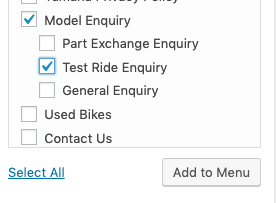
- Posts - Here you can add any of your recent posts (news items) to the navigation in the same was as mentioned above.
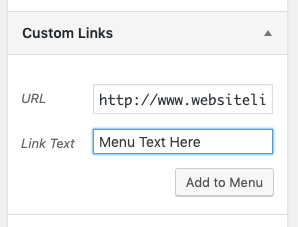
- Custom Links - Here you can add custom links to your navigation (links that aren't pages or posts within your site). To do this, you simply need to enter a link title and web address url.
Positioning a newly added menu item
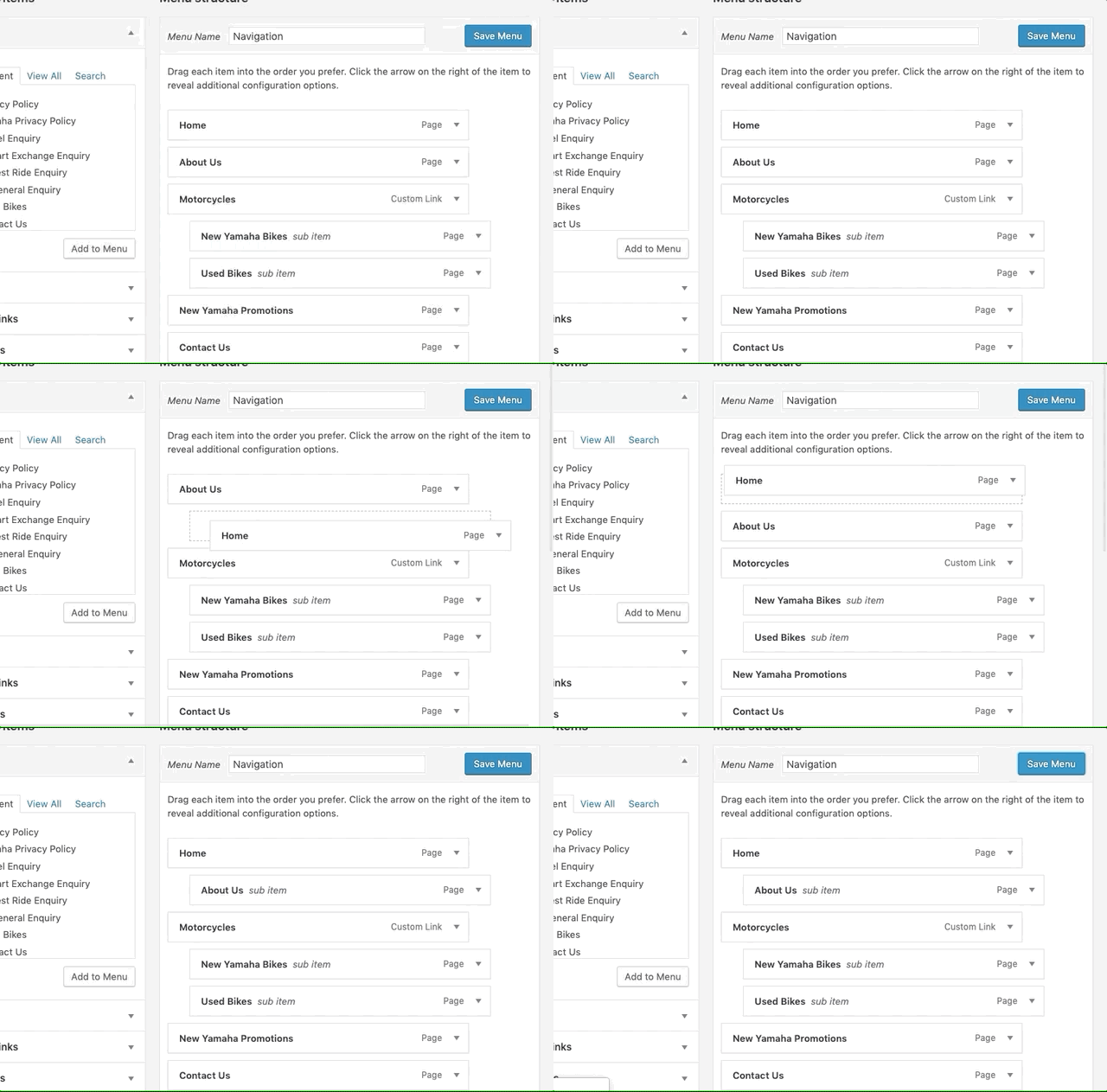
Wordpress has a handy 'drag and drop' system for positioning your menu items. All you have to do is simply click and drag the menu item to the correct position in your structure.