1. Delete old products from the previous import(s)*
*This step is not required, but it is good practice and can prevent issues that may arise between updates (e.g. category structure, images, etc).
Navigate to the WP All Import > Manage Imports
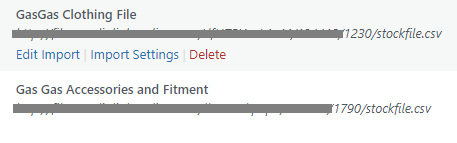
For each of the stock files click Delete (pictured above) then make the following selections (pictured below) then click Delete again.
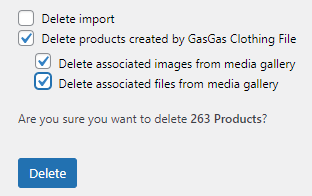
This may take a some time to run, when it is complete you will taken back to Manage Imports screen and a message should appear saying the products were successfully deleted.
2. Run the import(s)
The imports can be triggered via WP All Import > Manage Imports then clicking on Run Import as pictured below:
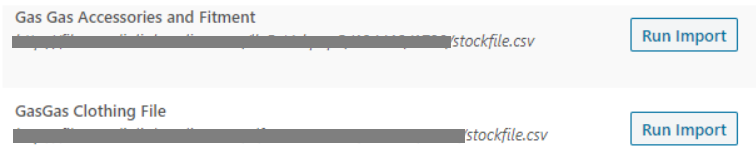
The import will take some time to complete (30 minutes to several hours depending on file size/server load).
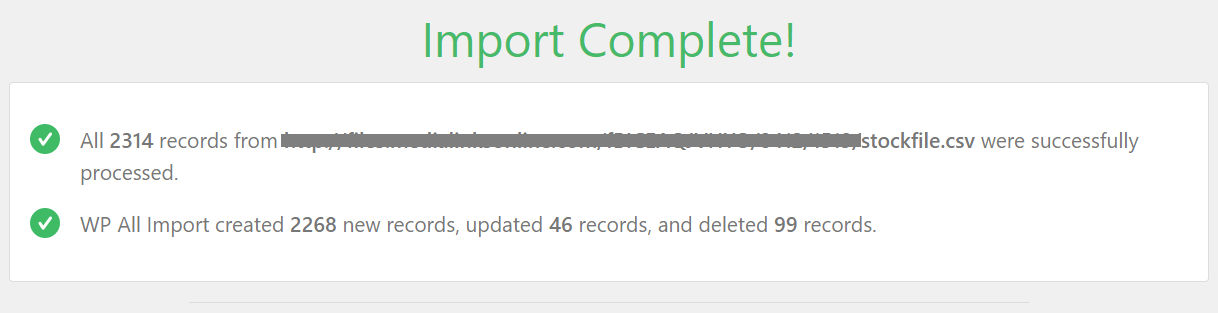
Once the import is complete the screen will display a confirmation message. After this you can either run another import or close the browser.